Job seekers & independent professionals
Professional headshots for LinkedIn and your next role
Build one recognizable look for your professional profile, portfolio and next introduction.
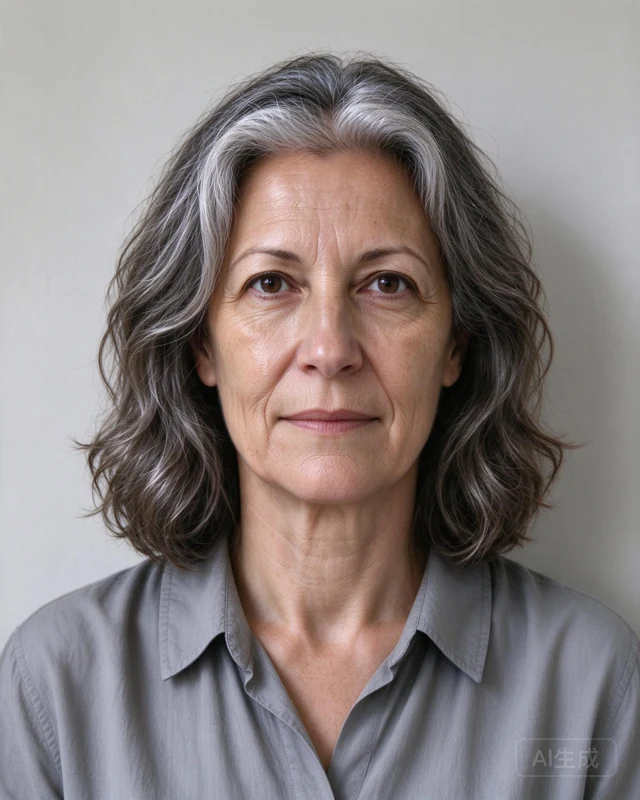
A look for your field
- Choose everyday professional clothing that fits your role.
- Use a quiet neutral backdrop for a versatile portrait.
- Review likeness before using the image on professional platforms.
Put your portrait to work
Professional profile · Portfolio bio · Introduction card. Keep your name, role and qualifications accurate. Check employer and platform requirements before publishing.
Prepare a profile photo people can recognise
Use a clear face-first crop for a professional profile and a wider image for your portfolio biography. Choose a background with enough contrast to separate your face from the surroundings. Preview the image as a small circle before publishing, and leave space around your hair and chin.
Review the current rules of the platform where you plan to use your image. AI portraits can change facial details; compare the output with your reference photos and keep only portraits you feel accurately represent you. HeadshotLane is not affiliated with LinkedIn.
Prepare, review, then use
- Start with a clear front-facing photo and a few supporting images of yourself. See the photo checklist.
- Choose this professional direction and a lighting style. Choose a pack based on how many portraits and styles you want to explore.
- Review your face, eyes, teeth, glasses, hair and clothing at full size. AI may change details. Request support if a material likeness problem remains.
- Use the included editor for a profile crop, introduction card or signature image. See download and signature instructions.
Prepare this direction Compare packs
Portrait packs are now available. Check the studio for current availability. Allow up to 2 days after starting generation. Packs start at $24, include AI-watermarked originals and one support-reviewed redo batch; download within 30 days.